
Gmail is probably the best email service in the world. It provides many features to its users through its labs. Gmail Labs provide ample of new features to its users. Who doesn’t love emoticons? There are many people (like me!!) who love to insert emoticons in messages or mails and are left with no other option but to use standard text emoticons (  ,
,  ,
,  ). It has introduced this feature or add on through Gmail Labs which is not enabled by default.

Here’s a tutorial on how to enable Emoji in Gmail:
- Log in to your account.
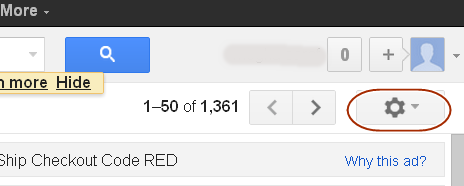
- Open Gmail settings.
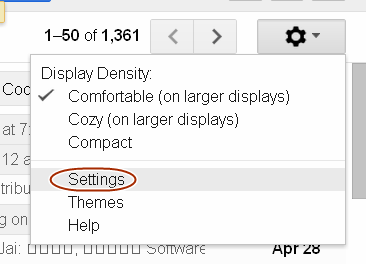
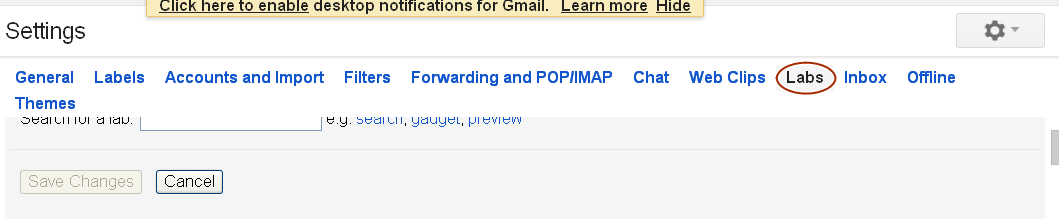
- Click on to the Labs tab
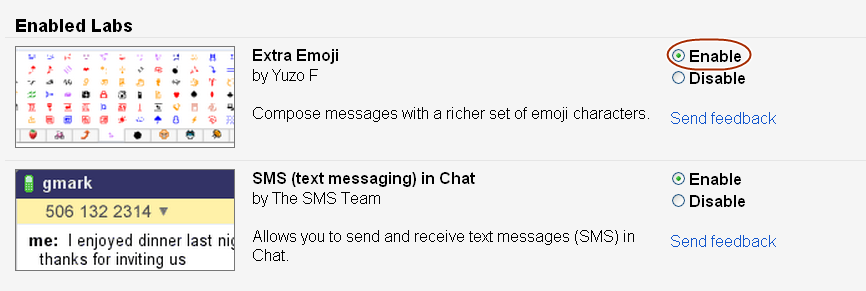
- Scroll down to find Extra Emoji and select Enable radio button.
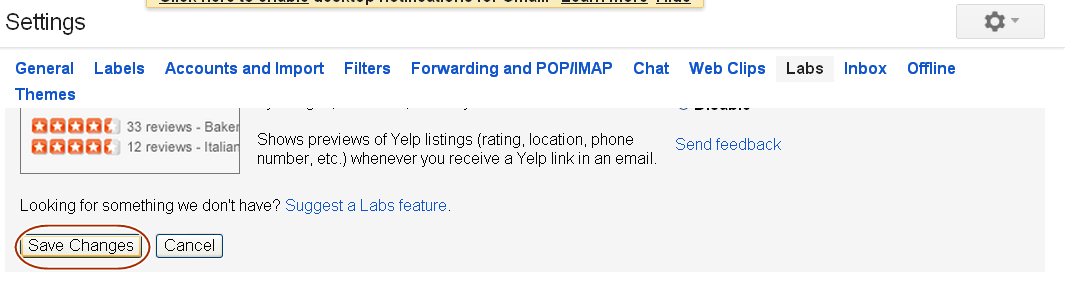
- Click ‘Save Changes’ at the top or bottom of the page
- The page will be redirected to your inbox. Click compose and you can use various emoticons of your choice in your mails.
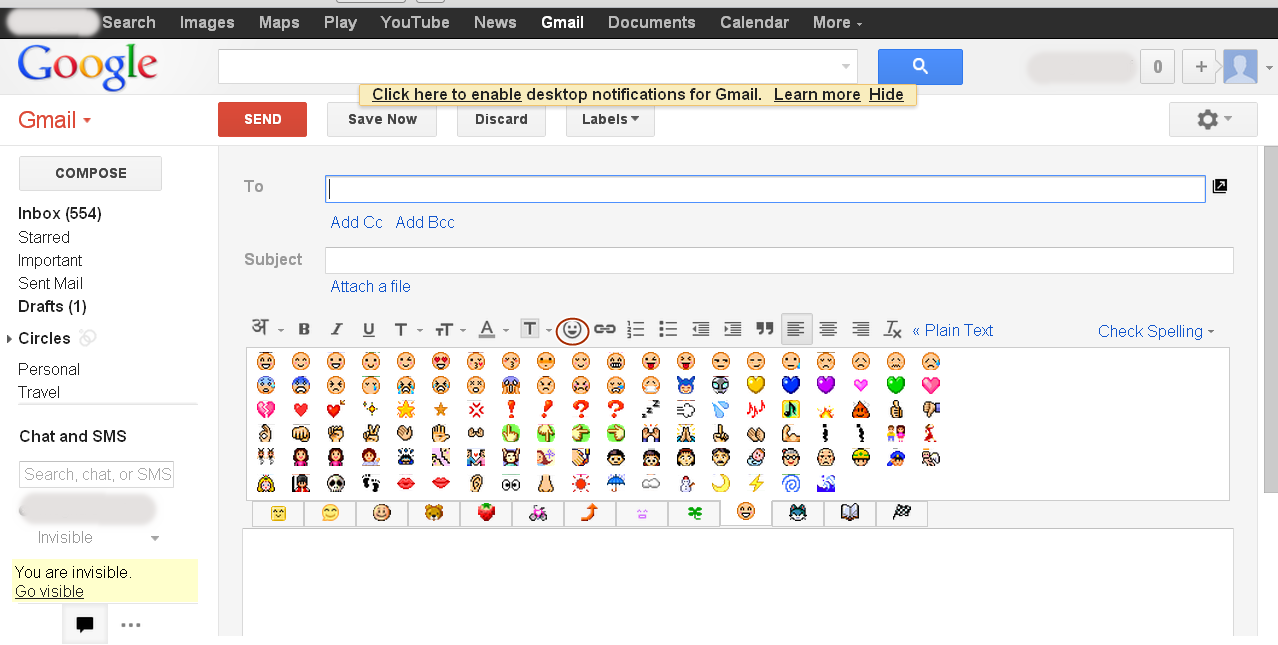
You can even make Gmail remember your most recently used emoticon by enabling ‘Recently used Emoji’ feature in Labs.







No comments yet.